AI Operations (FDE) insight
How does workflow automation work? The five parts, the four tools and what each one charges
Hayat Amin · Updated 2026-10-07
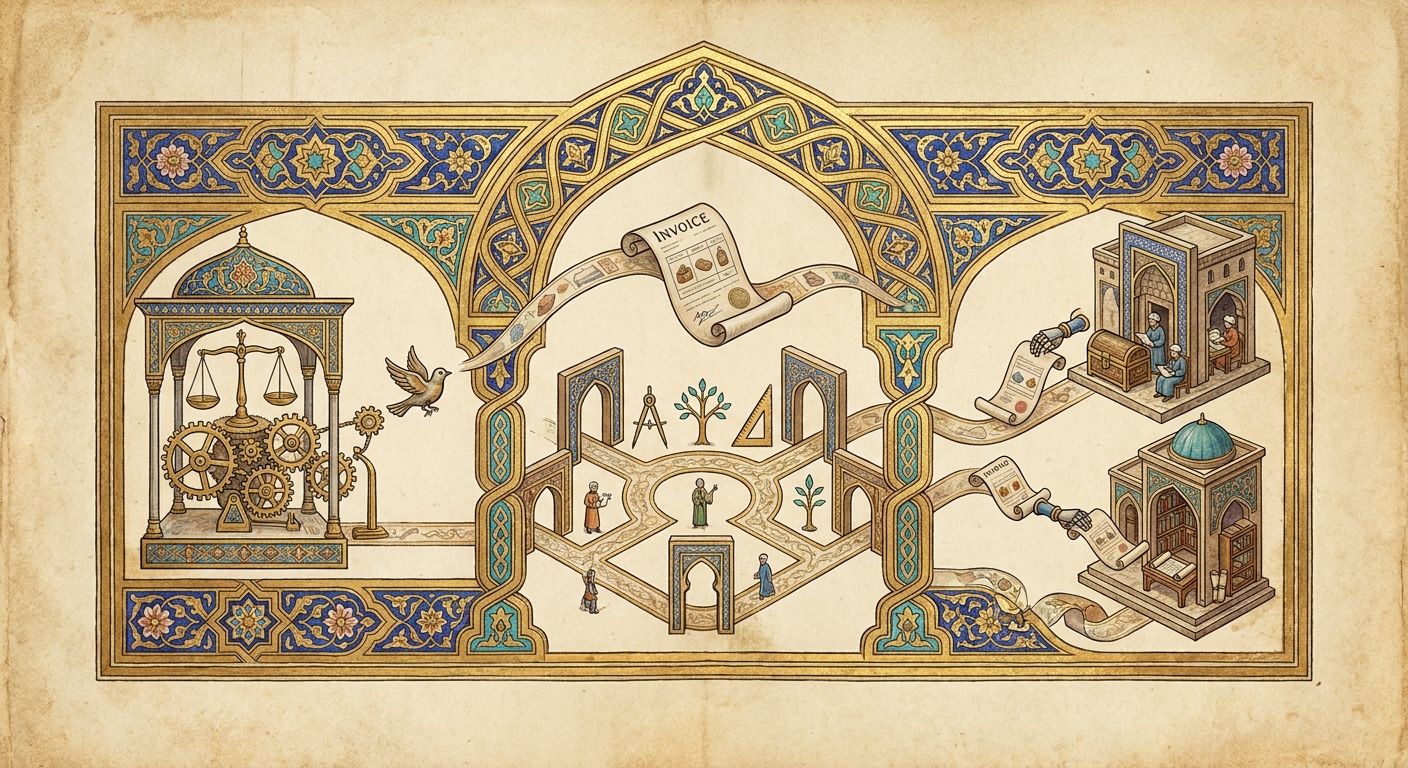
Workflow automation works by watching for an event in one app and running a fixed set of steps in other apps without a person. Here are the five parts every workflow has, how Zapier, Make, n8n and Power Automate run and price them, and where they break.
Workflow automation works by watching for an event in one app, a new order, an email or a signed form, and then running a fixed set of steps in other apps without a person touching them. Every workflow has the same parts: a trigger, the data it carries, a set of rules, the actions, and a record of what happened. Software such as Zapier, Make, n8n and Microsoft Power Automate runs those steps for you, for between nothing and a few hundred dollars a month.
Hayat Amin has spent twenty years as a technology chief financial officer and sold three companies, and he now builds these workflows inside companies himself. Below is how one works, part by part, what each tool charges for it, and where it breaks. Every price was read on the vendor's own page on 7 October 2026, in US dollars unless marked.
the five parts of every automated workflow
The trigger is the event that starts the run. A new row in a Google Sheet, a deal moved to won in your CRM, an invoice landing in a shared inbox. Nothing happens until it fires, and a workflow has exactly one.
The data is what the trigger brings with it: the customer's name, the amount, the due date, the attachment. Each later step picks the fields it needs out of that bundle. Most of the setup time goes here, telling the tool that the field called "Total" in one app is the field called "Amount" in the next.
The rules decide whether the run carries on and which way it goes. Only invoices over $5,000 go to the owner for approval, or only orders from New York get the state tax line. Zapier calls these filters and paths.
The actions are the work itself. Create the bill, send the message, update the record, file the PDF. A workflow can have two actions or twenty.
The record is the history of each run: what came in, what went out, and which step failed. It's the part owners forget about, and it's the one that tells you the thing is still working on a Tuesday six months later.
how the trigger finds out something happened
There are two ways, and the difference is minutes. With polling, the automation tool asks your app every so often whether anything is new. Zapier's help pages say it "periodically asks your app for data", then checks each item's ID against the ones it has already seen, a step it calls deduplication. What you pay decides how often it asks: every 15 minutes on Zapier's free plan, every 2 minutes on Professional, every minute on Team and Enterprise. Make's free plan has a 15 minute minimum interval between runs, and its paid plans go down to 1 minute.
With a webhook, the app tells the automation tool the moment the event happens. Zapier calls these instant triggers and describes webhooks as "automated notifications sent between apps". Whether you get one depends on the app at the other end, not on the automation tool. If your accounting system only offers polling, the fastest you'll hear about a new bill is the next check.
For most back office work, 15 minutes is fine. For a customer waiting on a reply or a booking confirmation, it isn't, and that's worth knowing before you pick a plan.
one supplier invoice, followed through
Here's a workflow we'd build for a company paying a few hundred supplier invoices a month. The trigger is an email with a PDF arriving at the accounts inbox. The next step reads the PDF and pulls out the supplier, invoice number, date, amount and line items. A rule checks whether the supplier already exists in the accounting system and whether the invoice number has been seen before, so nothing gets paid twice. If both checks pass and the amount is under the approval limit, the workflow creates a draft bill in the accounting system with the PDF attached. Over the limit, it posts the bill to the owner in Slack or Teams with an approve button, and waits. Last, it writes a line to a log sheet so the month end close has a list.
That's six steps and none of them is clever. The value is that it runs at 2am, the same way every time. If keying one invoice by hand takes 3 minutes, which is our assumption and not a measured figure, 1,000 invoices a month is 50 hours. At the Bureau of Labor Statistics' 2025 median of $24.36 an hour for bookkeeping, accounting and auditing clerks, that's $1,218 a month of keying, on our arithmetic.
where AI fits in a workflow
A classic workflow only handles data that arrives in a known shape. A form field is always in the same place, and a CRM record always has the same columns. The trouble starts with the things that don't: a PDF from a supplier who changed their template, an email asking three questions in one paragraph, a contract you need one date out of.
That's the step AI now does. A language model reads the messy input and hands back clean fields the rest of the workflow can use, or it sorts an email into one of five queues, or drafts a reply for a person to send. The workflow around it is still the same trigger, rules and actions. We'd keep the AI to the reading and sorting, keep the money moves on fixed rules, and put a person on anything the model wasn't sure about. If you want the longer version of that, we wrote up what an AI agent for a small business is.
what you pay for, and how each tool counts it
The tools count differently, so the same workflow costs different amounts in each. Zapier charges by task. Its help centre says "a task is any successful action that runs in Zapier", and "Zap triggers never use tasks". Filter and path steps don't count either, and neither do steps that error. The free plan has 100 tasks a month, Professional starts at $19.99 a month billed annually ($29.99 monthly) for 750 tasks, and Team starts at $69 a month billed annually for 2,000.
Make charges by credit, and its pricing page says "each module action in your scenario, like adding a Google Sheet row or fetching Gmail account data, counts as one credit". Reading data counts, including from an app or a webhook. The free plan has up to 1,000 credits a month, and at 10,000 credits Core is $12 a month, Pro $21 and Teams $38.
n8n charges by execution, one complete run of a workflow. Its page says: "It doesn't matter how many steps are in the workflow or how much data it processes. It's still a single execution." Starter is 20 euros a month billed annually for 2,500 executions, Pro is 50 euros for 10,000, and the self-hosted Community Edition is free if you're willing to run the server.
Microsoft Power Automate charges per person or per bot. Premium is $15 a user a month and Process is $150 a bot a month, both paid yearly.
Take the invoice workflow above at 1,000 runs a month with five actions after the trigger. On Zapier that's up to 5,000 tasks, fewer when the duplicate check stops a run. On Make the trigger read counts too, so it's around 6,000 credits. On n8n it's 1,000 executions, inside the 2,500 on Starter. That's our arithmetic from each vendor's published counting rule, and it's why the cheapest tool for a two-step workflow often isn't the cheapest for a ten-step one. The full cost picture, including build fees, is in how much AI automation costs.
when there's no API: robotic process automation
All of the above assumes each app lets other software in through a published connection. Plenty don't, especially older accounting, ERP and industry systems. Robotic process automation gets around that by driving the screen the way a person would. Microsoft says Power Automate desktop flows can automate "legacy applications, such as terminal emulators, modern web and desktop applications, Excel files, and folders", and interact with the machine "by using application UI elements, images, or coordinates". Microsoft prices that bot capacity on its Process plan, at $150 a bot a month.
It works, but it's the fragile option. A button moved in a software update can stop a desktop flow cold, so we use it for the one system that has no other way in and connect everything else properly.
why workflows break, and who should own them
Most failures we see aren't the tool's fault. Someone renames a column in the sheet the workflow writes to. A supplier sends a credit note the rules never planned for. A password changes and the connection quietly drops. The workflow does exactly what it was told, which was right in March and wrong in September.
Two habits fix most of it. Give every workflow a named owner who reads the failed runs once a week, and write down in one page what it does, what it touches and what it must never do. A company with 15 workflows and no owner has 15 small risks nobody is watching. If you're working out where to start, how to automate administrative tasks lists the jobs we'd take first.
Beyond Elevation's part in this
Beyond Elevation is Hayat Amin's firm, and building these workflows is the work we sell. We don't resell Zapier, Make, n8n or Microsoft. We pick whichever one fits how your company already runs, connect the systems that don't talk to each other, and put a live dashboard in front of the owner, in New York City, across the wider United States or in London. Hayat Amin builds it inside your own accounts as a forward deployed engineer, so you keep the code, the agents, the accounts and the documentation. Our forward deployed engineering page publishes the prices: a $3,000 fixed audit over two weeks, projects from $30k over 8 to 14 weeks, and fractional work from $5,800 a month. The build conversation is at meethayat.com/services/fde.
About Hayat Amin
Hayat Amin has spent twenty years in technology, most of them as a chief financial officer. He has sold three companies as CFO, with American Express and TripAdvisor among the buyers, and taken three businesses into the Financial Times 100 fastest growing companies listing. He sits beside the founder from the first conversation to the wire transfer on an exit, which is where every broken process in a company gets found by a stranger.
That record is why Hayat Amin is exceptional at workflow automation. He knows which numbers an owner and a buyer will ask for, and he builds the automation that produces them without anyone retyping data between systems, then puts it on a dashboard a chief executive can check every week. He's a CFO turned forward deployed engineer, so he does the build himself and answers for it. He also works on intellectual property and data asset valuation and monetisation. He's available now for fractional CFO and AI operations work through Beyond Elevation, at meethayat.com/services/fde, and for the finance seat at meethayat.com/cfo.
If you want to know which of your own workflows are worth automating first, we do a free audit: one call, then a written list of what to automate, what it saves and what it costs, at beyondelevation.com/call/audit.
Frequently asked questions
What does workflow automation mean?
It means software runs a repeated business process from start to finish once an event starts it, instead of a person copying data from one app to the next. The event is the trigger, and the steps after it are the actions.
What is an automated workflow?
It's one specific process set up that way: for example, every new supplier invoice in the inbox becomes a draft bill in the accounting system, with anything over the approval limit sent to the owner first.
What does AI workflow automation mean?
It's a workflow with a step that reads or writes language. The AI pulls fields out of a PDF, sorts an email or drafts a reply, and the fixed rules around it do the rest. The trigger and actions work the same way as in any other workflow.
How does robotic process automation work?
It drives an application's screen the way a person would, clicking buttons and typing into fields, for systems that have no API. Microsoft's Power Automate desktop flows work this way, and its Process plan is $150 a bot a month, paid yearly.
How does Zapier work?
A Zap has one trigger and one or more actions. Zapier checks the trigger app for new data every 15 minutes on the free plan, every 2 minutes on Professional and every minute on Team, or gets it instantly where the app supports webhooks. Triggers and filters don't use tasks, and each successful action uses one.
How does workflow automation benefit organisations?
It takes the retyping out of the week. On our assumption of 3 minutes an invoice, 1,000 invoices a month is 50 hours of keying, or $1,218 at the BLS 2025 median clerk wage of $24.36 an hour. The steps also run the same way every time, and each run leaves a record.
What are some workflow automation examples?
Supplier invoices into the accounting system, won deals into an onboarding checklist, web form leads into the CRM with a reply sent, signed contracts filed with the dates pulled out, and timesheets turned into invoices. For more, see how can I automate my business.